The free AI image editor online — say what should change, keep the photo that matters.
The free AI photo editor online, for one described change at a time.
Remove what does not belong, bring back what faded, put the background where you wanted it. Your original is deleted the moment we are done.
No sign-upNo watermark on your editsUploads deleted after processing
Model
Edit several photos with one instruction.
Aspect ratio
Resolution
Image quality
This edit4 credits
12 free credits to start · no account needed
Sign in and the credits renew — 12 fresh credits every day.
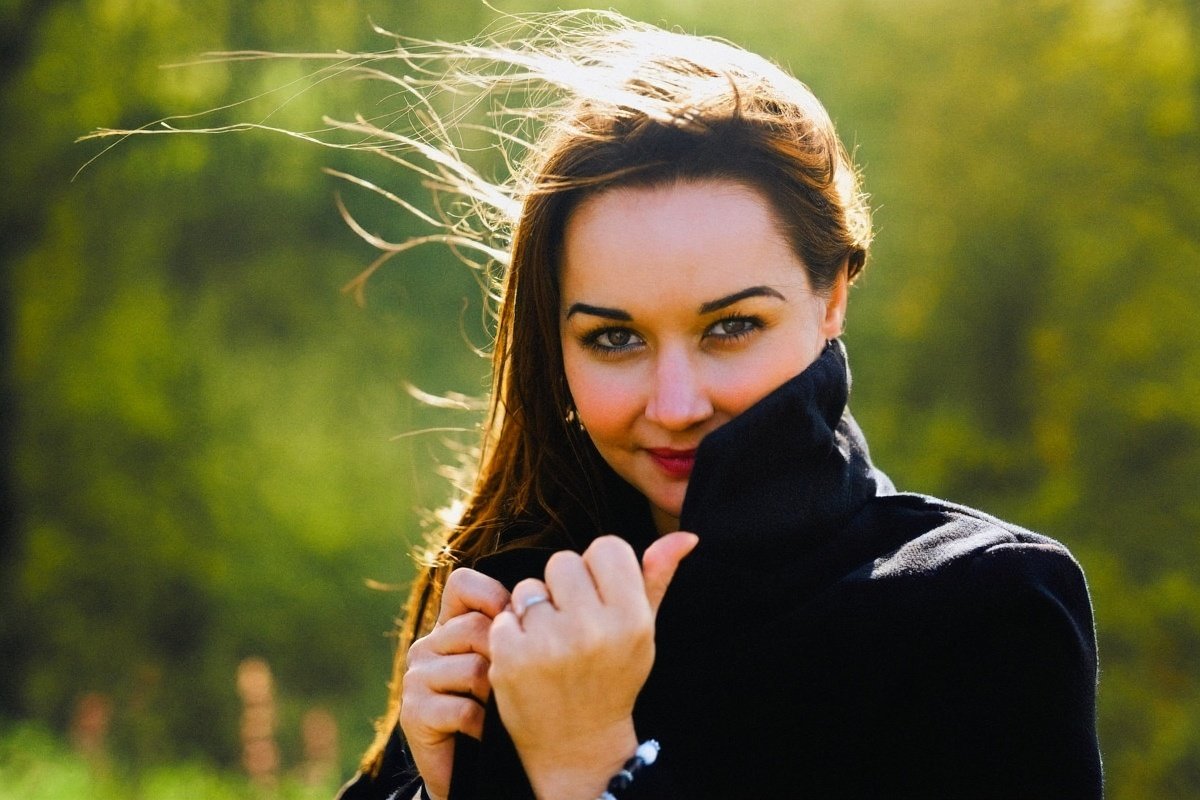
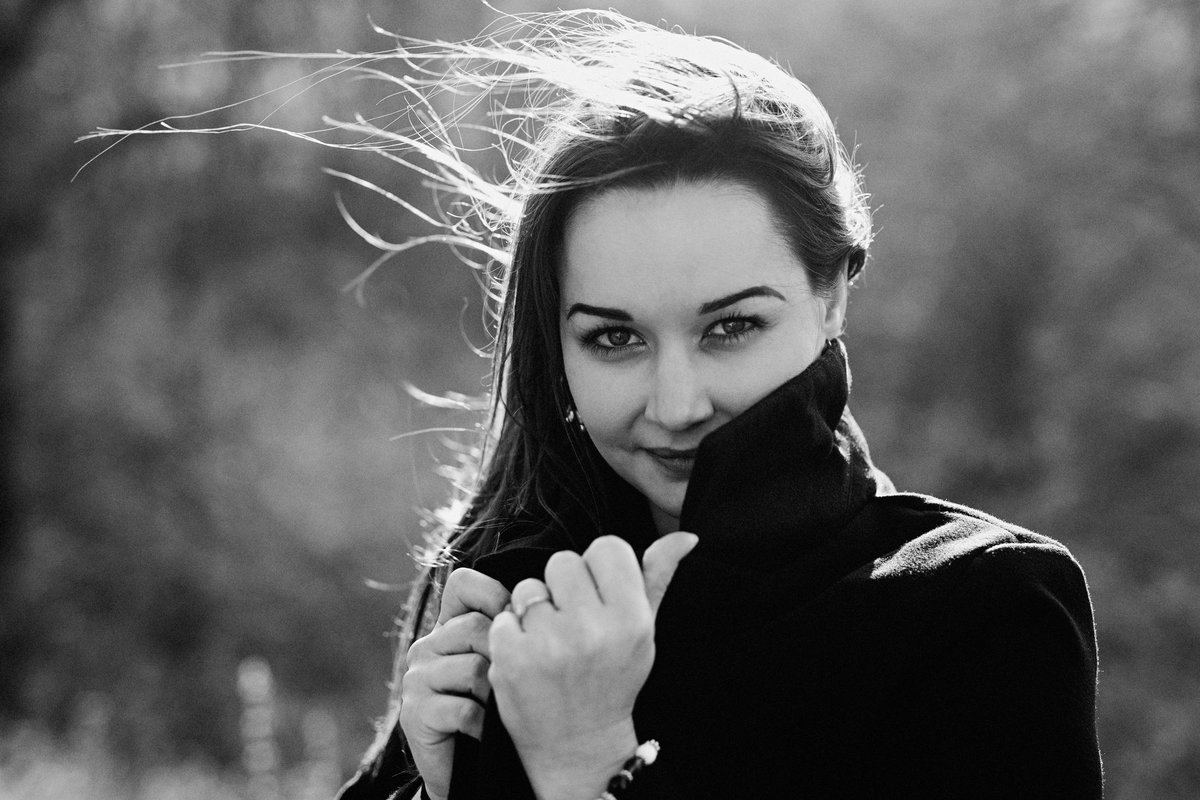
Pick the edit you came for
Each one opens the editor with the right instruction already filled in, so you are one drop away from the result.
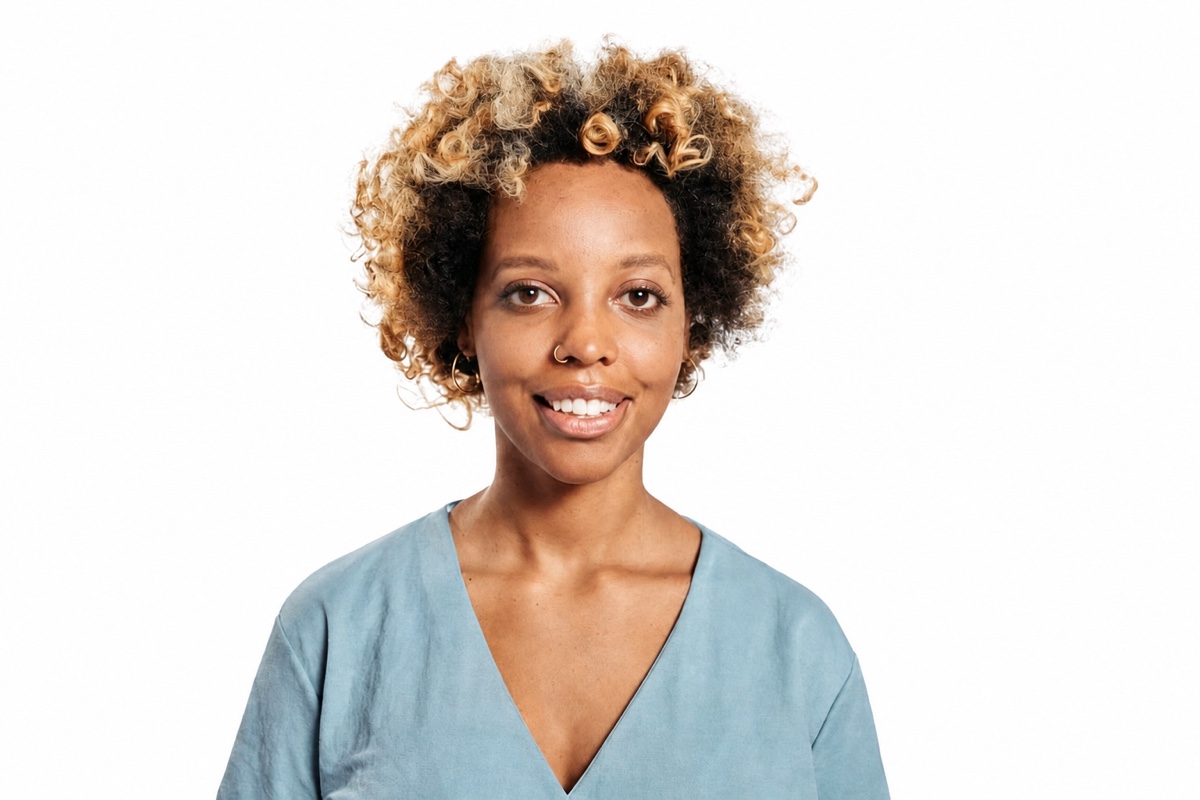
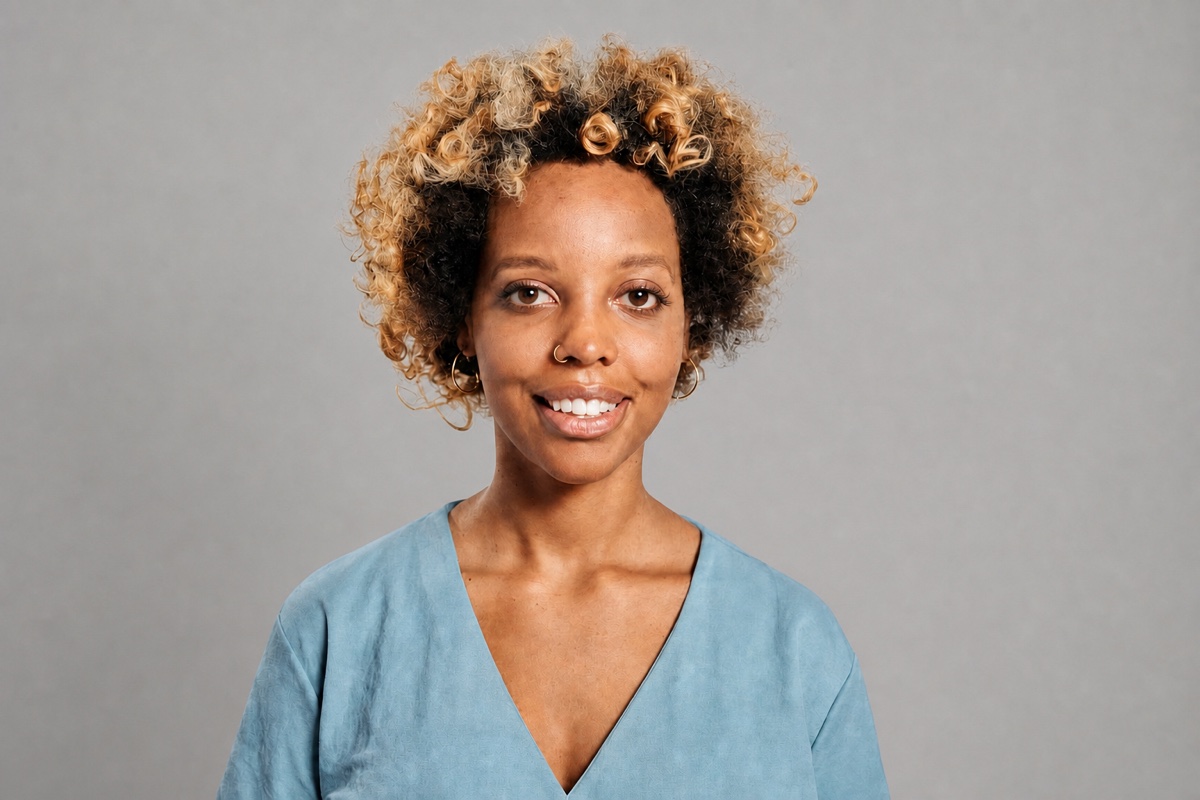
 Replace a backgroundMove a product into a believable new setting.
 Restore an old photoRepair creases and fading in a scanned print.
 Colorize black & whiteAdd natural colour to a monochrome photo.
 Extend an imageWiden a vertical shot into a banner.
 Remove a personTake a stranger out of the frame.
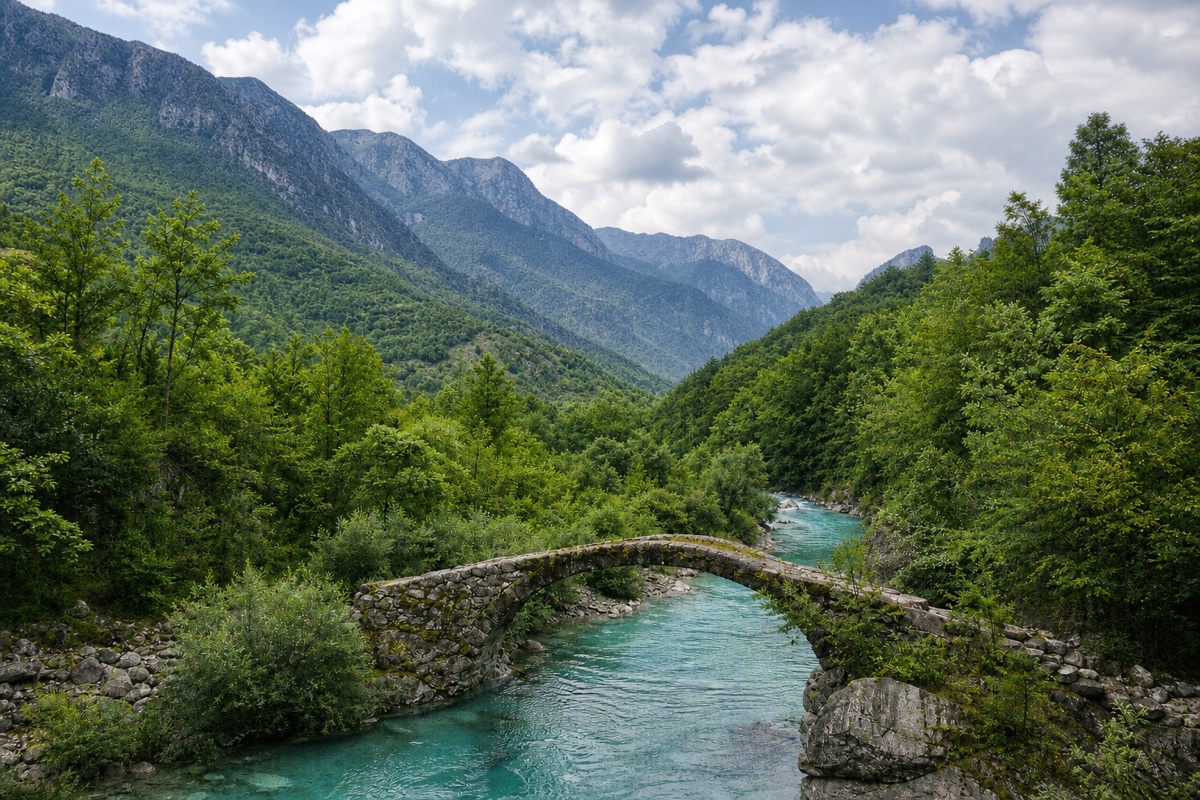
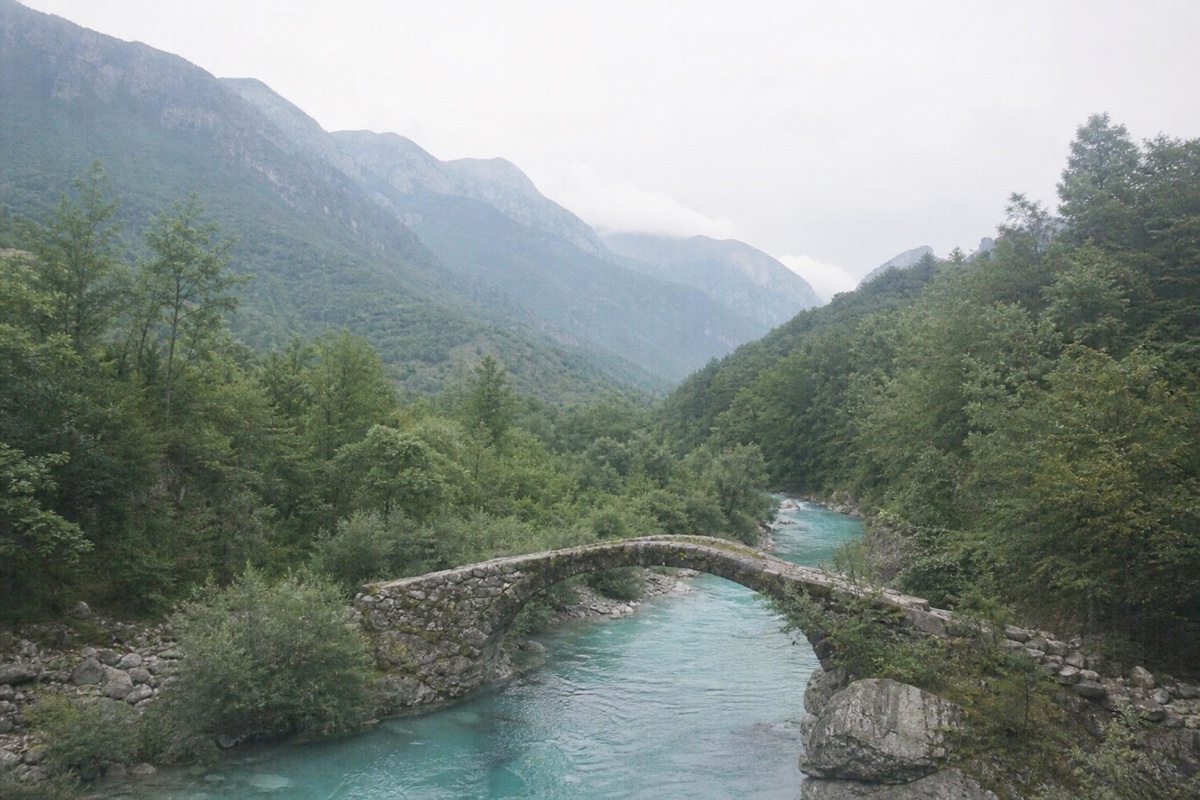
 Enhance qualitySharpen a soft or low-light picture.
 Remove a backgroundCut the subject out onto a clean backdrop.
 Upscale a photoRaise resolution without the mush.
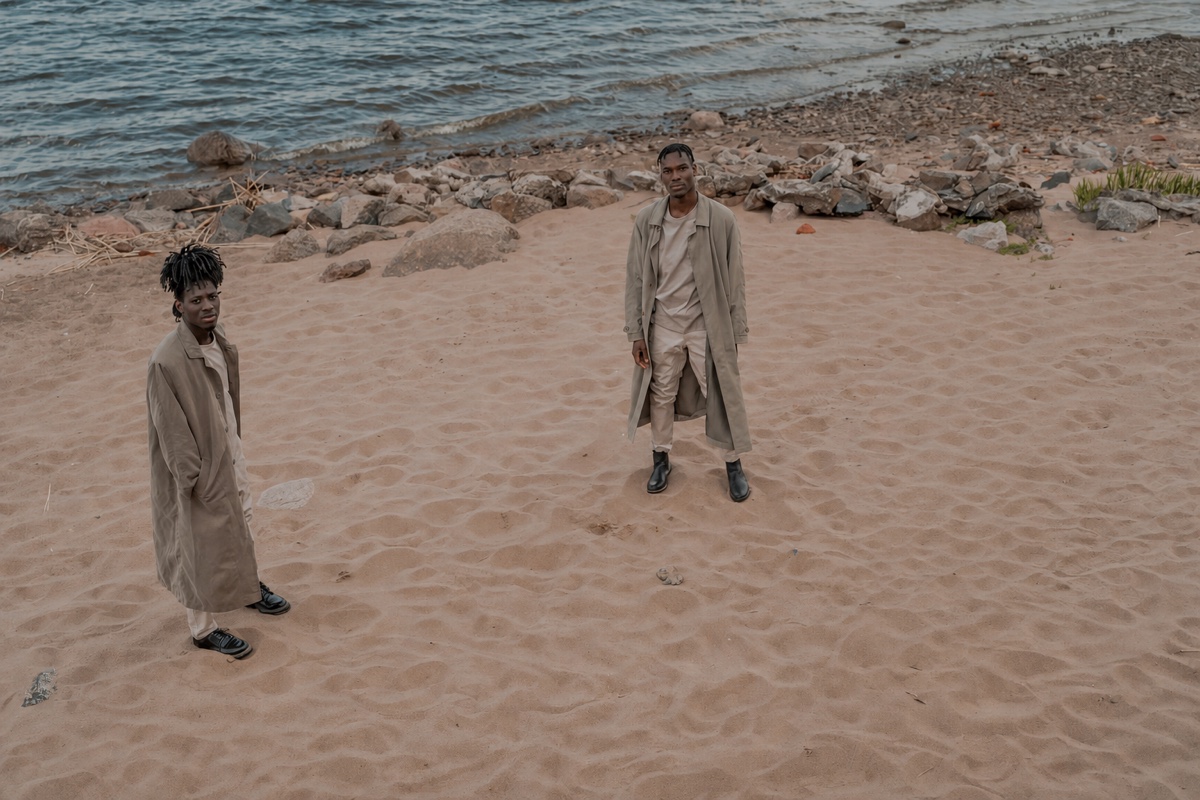
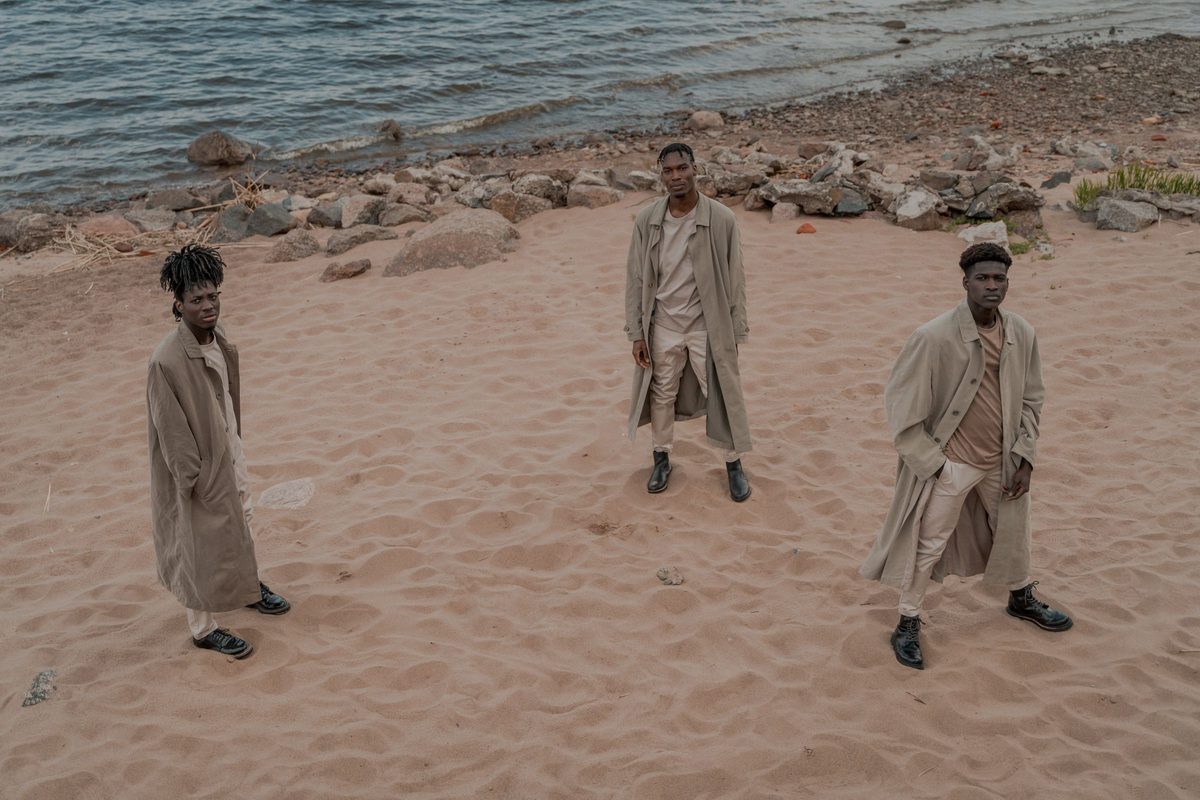
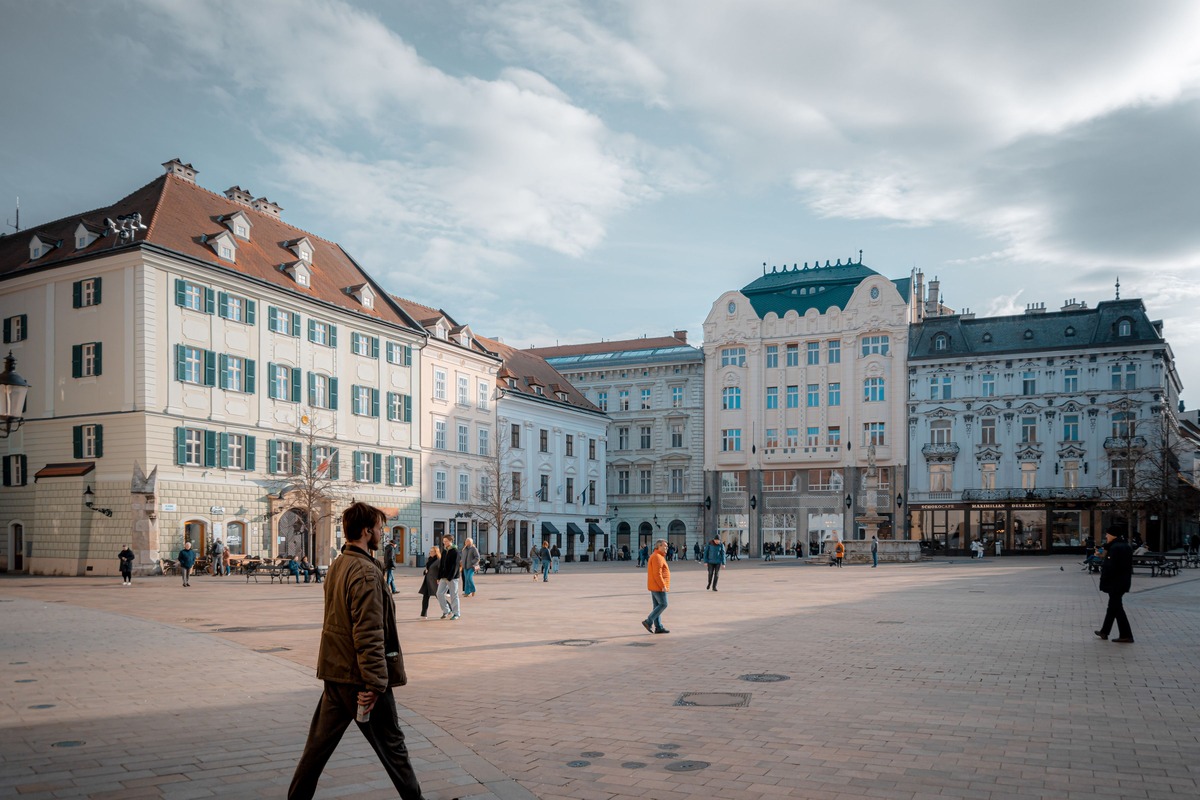
Remove a person from a photo with the AI photo editor
Describe who or what should go — the stranger at the edge, the car at the kerb — and the gap is rebuilt from what was around it: sand, brick, foliage, whatever the scene calls for.
It works best when the background behind the removal is guessable. A face half-hidden behind the person who is leaving is a harder case, and the result arrives beside your original so you can judge it before keeping it.
How the gap gets filled →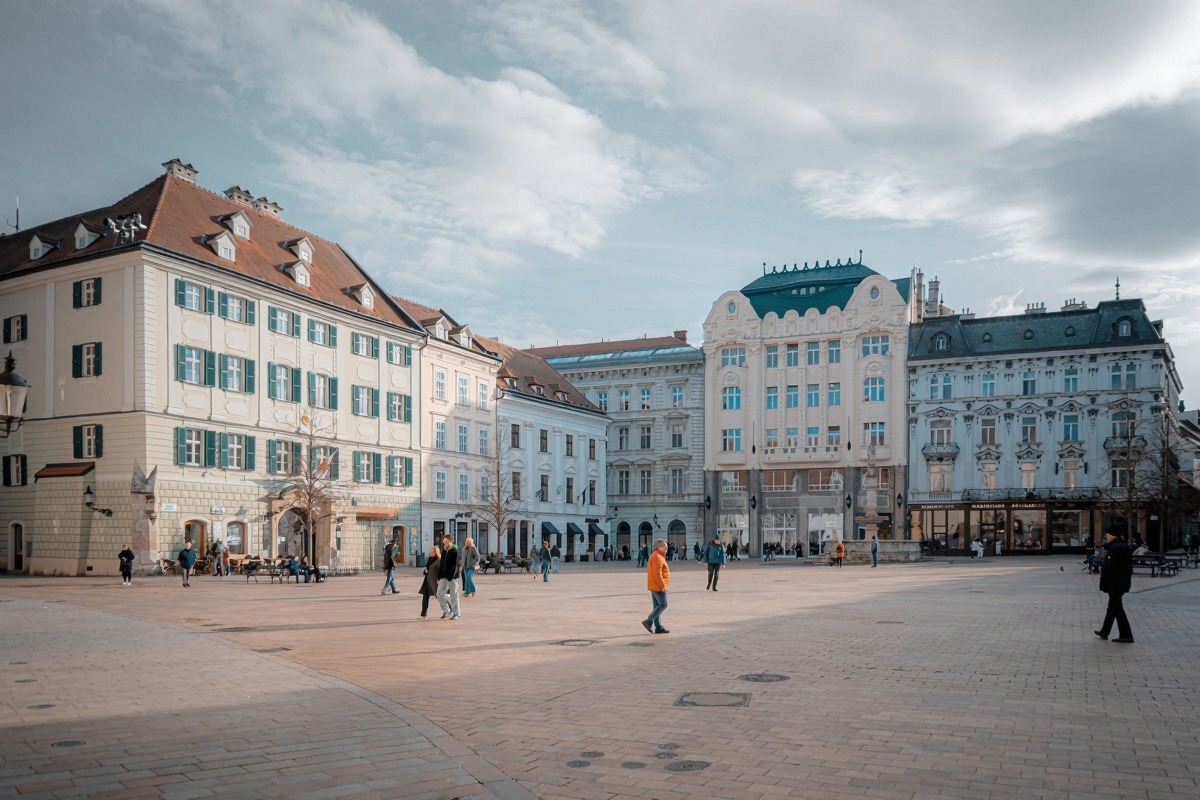
Put the subject on a new background
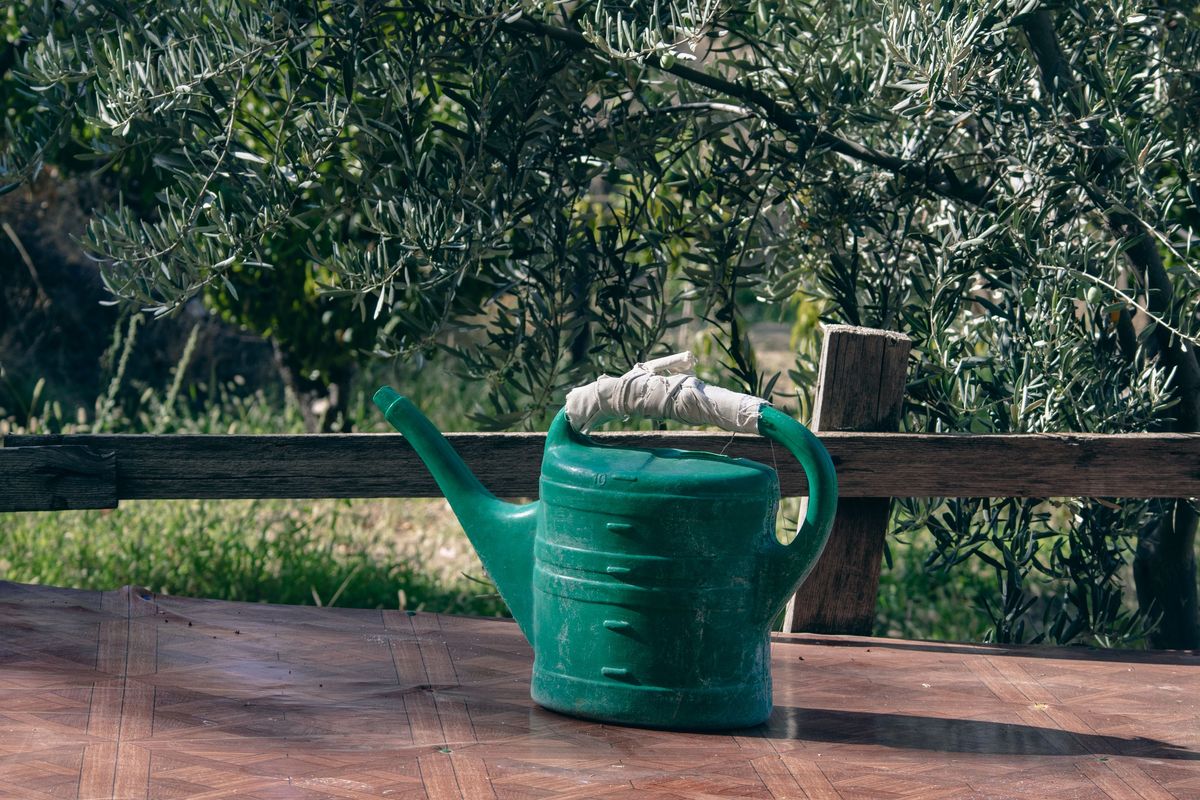
A product on a cluttered table, a portrait against the wrong wall — say where it should be instead, and the subject is lifted onto it with its edges, shadows and reflections re-made to match.
Reflective surfaces are the thing to check afterward — a glass bottle or a chrome kettle can still carry a trace of the old room in its reflection, so give those a look before you call it done.
What it handles well →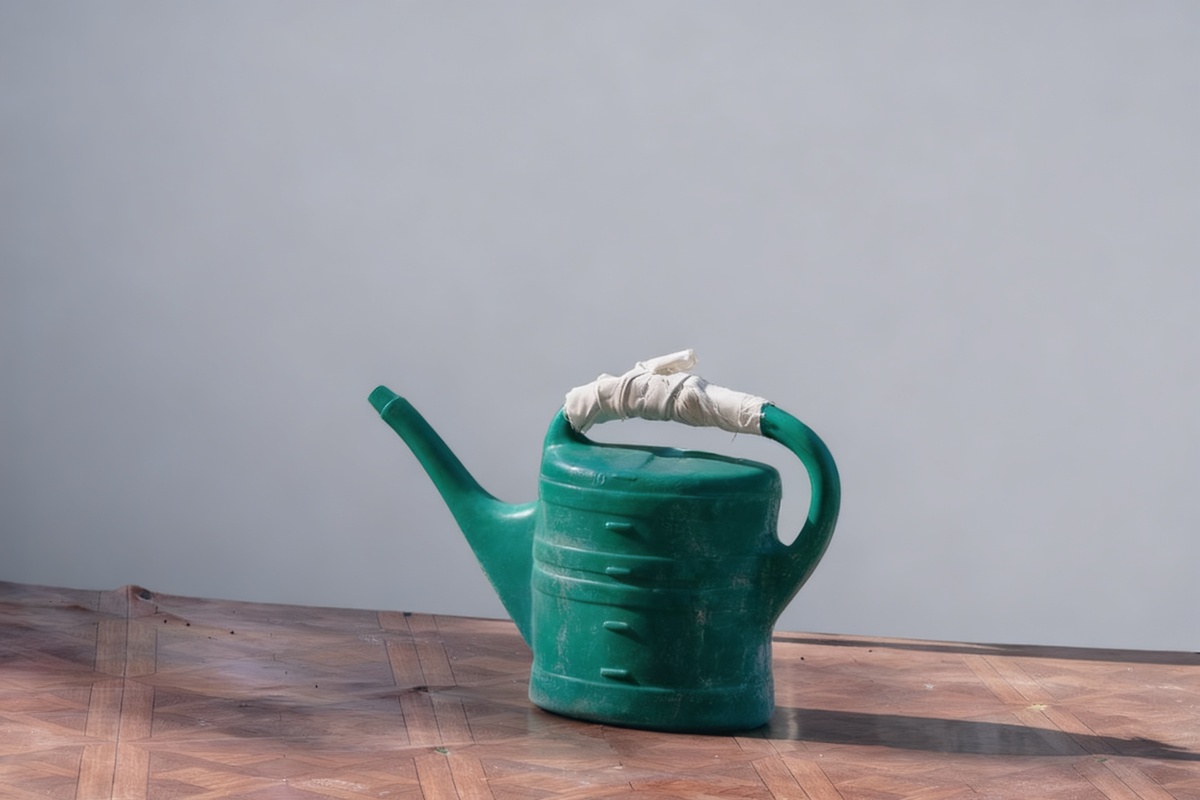
Restore an old print
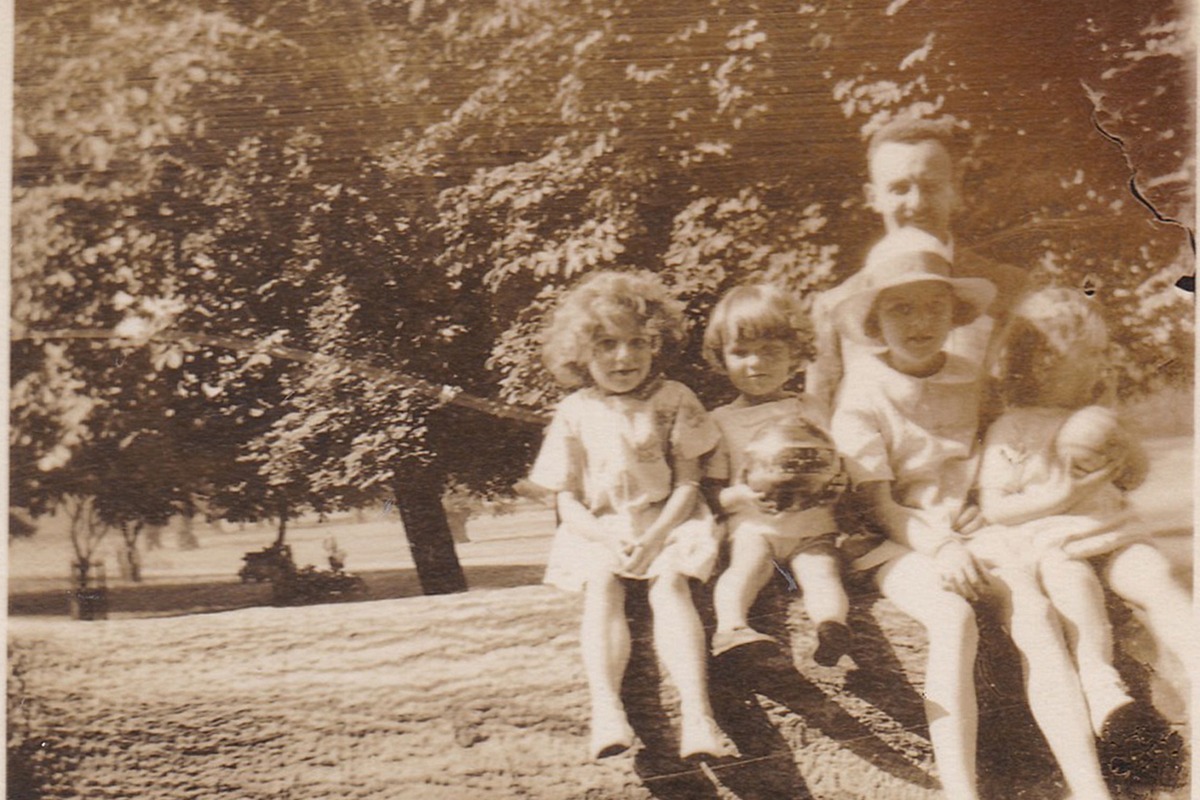
Scratches, creases, fading and stains are repaired while the photograph stays the photograph — the aim is the print as it looked new, not a new picture.
Faces deserve the slider check: restoration repairs damage well and reinvents badly, so compare the person against your original before you decide anything.
What restoration actually does →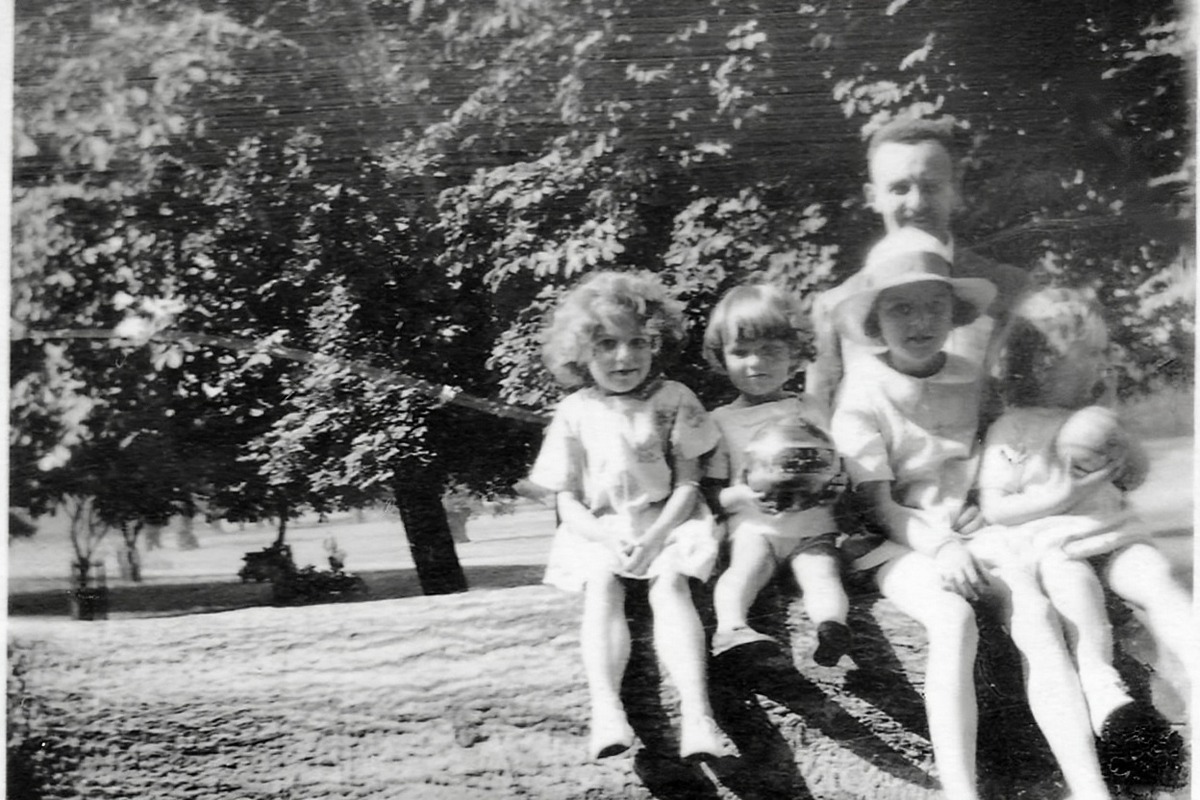
Upscale a small photo
A low-resolution photo — an old download, a message-app compression, a tiny crop — is rebuilt at larger size with its edges and textures sharpened rather than stretched.
Fine text, licence plates and distant faces are where upscalers guess; anything that must be read rather than seen deserves a close look at full size.
How the extra detail is produced →
Three steps online, no setup
Upload a photo.
Drop it in or pick it from your phone. The editor is the first thing on this page, and nothing asks who you are before the photo is in.
Describe the change.
Ordinary words: remove the man on the left, make the background plain white. Arrive from a task page and the sentence is already written.
Download the result.
It appears beside your original in about fifteen seconds — full resolution, no watermark, yours.
No watermark, ever.
Not on the free tier, not anywhere. An edit of your own photo comes back at full resolution — the file itself is never scaled back for a free plan.
Uploads deleted at once.
Your photo is deleted at the end of the request that processed it, and a result link expires on its own. Nothing sits on a server waiting to be forgotten.
Start without an account.
12 free credits, no name required. Creating an account is what keeps it going.
What the free AI photo editor covers, and what it costs to try
Every card above is the same request underneath. You upload one photo, describe one change in ordinary language, and get it back with the rest of the picture left alone. Replacing a background or cutting one away, taking a stranger out of a frame, repairing a creased print, adding color to a monochrome scan, rescuing a soft shot, raising resolution or widening a picture past its edges are all that sentence with different words in it — which is why this page opens with a text box rather than a toolbar.
You do not have to choose a model to get a first result. The editor opens with one already selected — the cheapest we run, if you are not signed in — and the picker beside the button lists the rest with the credits each one starts from, so nothing is spent before you have seen the price.
Trying it costs nothing and takes no account: 12 free credits, at full size, with no watermark on anything they make. Signing in keeps it going — 12 fresh credits every day. Your upload is deleted as soon as the edit finishes.
Questions people ask first
Do I need an account?
No. 12 free credits are yours the moment you land. An account adds 12 fresh credits every day and keeps your results longer. Everything runs online in your browser — nothing to install.
Will there be a watermark?
No. Nothing this site produces carries a watermark, on any tier, including anonymous free use.
What happens to my photo?
The upload is deleted right after processing. The result expires on its own — 1 day without an account, 7 days with a free one, and on a paid plan for as long as you subscribe plus 90 days — and we never keep a second copy.
Are there any restrictions?
No watermark, no export wall, no resolution cap — and no account needed to start. The only limits are the credit allowances themselves, and those are printed on the pricing page. People arrive here calling it a photo editor or an AI image editor; it is the same editor either way.
Can I use the result commercially?
Yes, on Pro and above. Free and Starter results are for personal use, which covers most of what people bring us.